Working tools / Asset explorer

The asset. The evidence

Explore how nine documentation domains influence scope, method and execution. Select an asset, inspect its systems and follow the evidence action.

Interactive 3D · illustrative asset

Map the evidence domain to the physical asset.

Switch between offshore and onshore asset types, rotate the model in three dimensions and select a domain to see the evidence that influences the decision basis.

Removal method and temporary states.

Connect condition, weight and inspection evidence to the assumptions behind a removal concept.

Explore the relevant support
Follow the evidence

Review output: removal assumptions and temporary-state review scope.

Illustrative asset preview Drag horizontally to orbit. Use + / − to zoom. Keyboard: arrows to rotate, R to reset. Ctrl + scroll zooms the model.
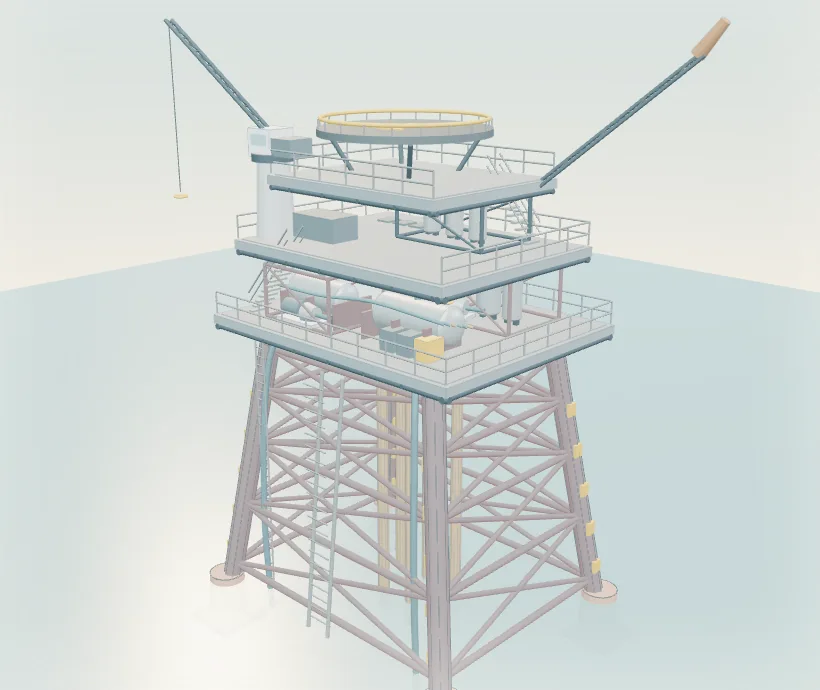
Static fallback view of the illustrative offshore platform model
Static asset viewOpen Asset explorer to use the model and evidence domains.
Active modelOffshore platform
Selected evidence

Structural Data

Removal method, access, lifting, temporary support and sequence.

Evidence detail ↓
Camera
Zoom
View
Asset explorer

Read the asset. Examine the evidence.

Explore the nine evidence domains and their influence on scope, method and execution.

Start the model to examine the nine evidence domains.

Illustrative documentation coverage

Documentation position

Illustrative

Select a model hotspot or domain below. The interface synchronises the physical location, illustrative score and first evidence action.

Selected domain

Structural Data

Critical gap
38

Decision influence
First evidence action
From evidence to a scope

What changes when the original supports are released?

Useful records: current structural drawings, connection details, modification history and condition inspections.

Critical gapModerateGood coverage

Illustrative cutaway, not to scale. The scene does not represent a water depth or a verified removal sequence. Illustrative model and figures. No client asset or client data is shown. decomm.ai informs the engineering and asset retirement obligation (ARO) provision basis; it does not compute the accounting number. Domain weighting and commercial logic are not exposed.

Start with a conversation

Discuss your decommissioning scope.

Tell us about the asset, the work required and the timing. Endura can help define an appropriate scope of support.

Discuss your project